

Online-proctored vs test-center SAP exams: what to expect
A calm, honest comparison of the two ways to sit an SAP certification exam in 2026 — online proctored from home vs a physical test centre. Requirements, environment rules, pros and cons, and how to choose the mode that suits you.
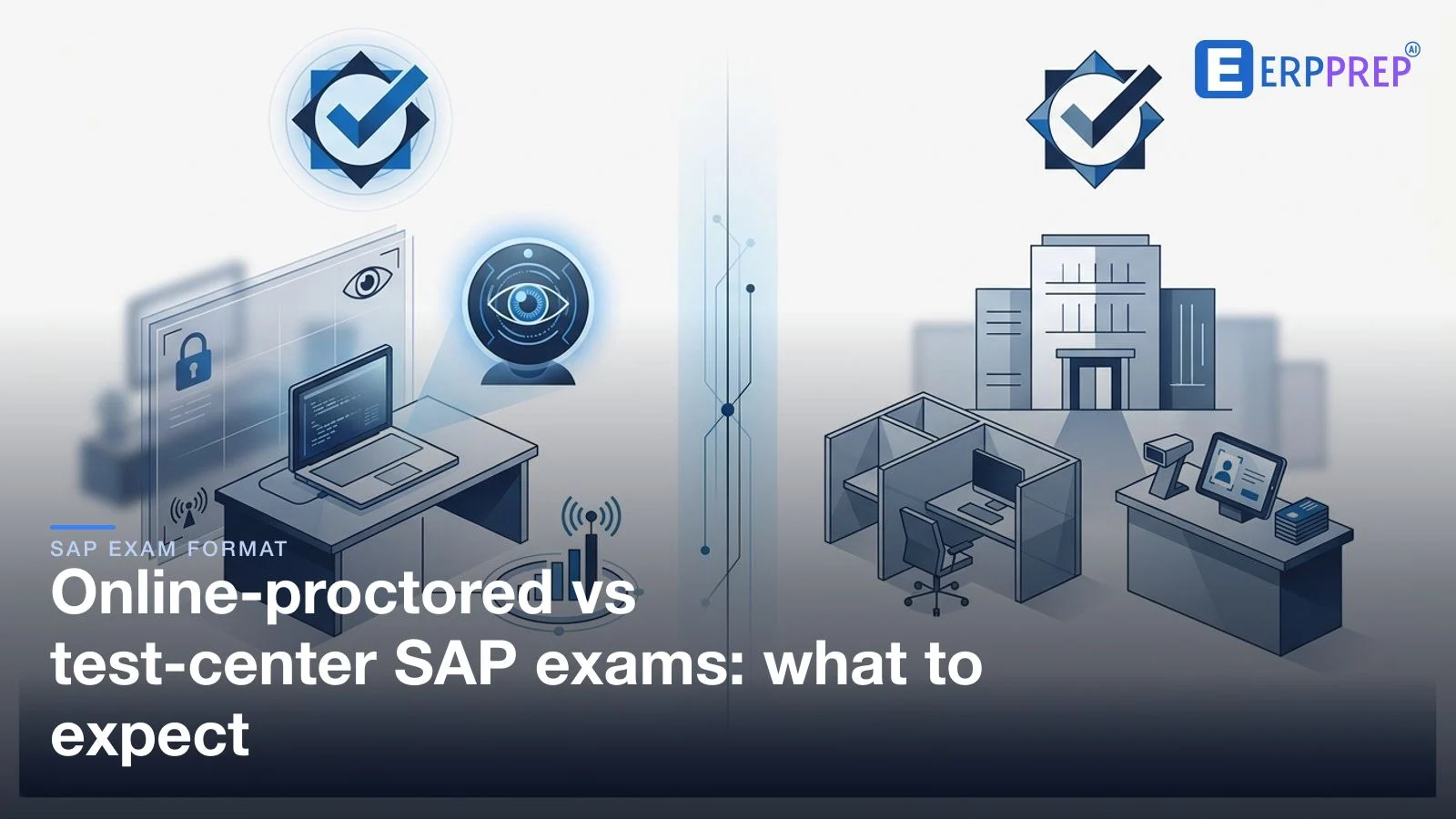
You can usually sit an SAP certification exam two ways: online proctored from home, where a remote proctor supervises you by webcam after ID and environment checks, or at a physical test centre with a supervised room and a provided workstation. Both test the same content the same way under the same timer — neither is easier. Choose the mode whose requirements you can meet comfortably, and confirm the current rules on learning.sap.com.
Once you've decided to sit an SAP® certification, one practical question shapes the whole experience: where will you actually take it? In 2026 you generally have two routes — sit the exam online from home under a remote proctor, or travel to a physical test centre. They deliver the same exam, but the day around it feels different, and each has requirements worth understanding before you book. This guide walks both routes honestly — what to expect, what you need, the trade-offs, and how to choose — and sits under the performance-based exam format guide. It stays deliberately general: every exact rule is set per exam and can change, so we keep pointing you to the official page for the specifics.
Key takeaways
- There are two delivery routes — online proctored from home, or a physical test centre — and most exams let you choose during booking.
- The exam itself is identical either way: same content, same performance-based format, same timer. The setting changes, not the difficulty.
- Online shifts the environment onto you — device, connection, and a quiet private room — while a centre handles the environment but adds travel.
- Access to exams increasingly runs through the SAP Certification Hub subscription model; how you book and schedule flows from there.
- Never assume the specifics. ID types, environment rules, device specs, and timing are set per exam — confirm them on learning.sap.com.
The two ways to sit an SAP exam
Both routes start from the same place. SAP publishes each certification, its structure, and its booking path on its learning site (SAP, learning.sap.com/certification), and access to many exams is organised through the SAP Certification Hub — a subscription model that bundles a set of attempts within a validity window rather than selling each sitting as a one-off. From there you schedule an actual seat, and it's at that scheduling step that the delivery choice appears: sit online under remote proctoring, or book into a physical test centre operated by SAP's delivery partner.
Whichever you choose, the session is proctored — supervised to keep the exam fair for everyone — and it's the same performance-based exam underneath, whether that's a System-Based Assessment (SyBA) of live tasks or a Scenario-Based Assessment (SBA) built on a connected business case. The mode you pick doesn't change what's measured or how it's scored. What it changes is the practical shape of the day: who is responsible for the room, the equipment, and getting you to the starting line calm. That's the real decision, and it's worth making deliberately rather than by default.
Online proctored: what to expect
The online route lets you take the exam at your own computer, in your own space, while a remote proctor supervises the session by webcam and may observe your screen. It removes travel entirely — but in exchange, the responsibility for the environment moves to you, and the day has a few more setup steps than a centre does.
Expect the session to open with checks before any question appears. You'll typically verify your identity, then complete an environment scan— the proctor may ask you to show your desk and the room on camera to confirm it's clear and that you're alone. Only once those checks pass does the timer start. During the exam the proctor stays connected, so the expectation is simple: stay in view, stay focused, and don't break the conditions you agreed to at the start.
What you generally need. A computer that meets the delivery platform's requirements, a working webcam and microphone, and a stable internet connection — a wired link is safer than Wi-Fi where you can manage it. You'll want an accepted photo ID whose name matches your registration, and a quiet, private room with a clear desk. Most platforms have you run a system check ahead of time so you find any hardware or bandwidth problem days before, not minutes before. We deliberately don't list exact device specifications or permitted-item rules here because they're set by the exam and its platform and do change — confirm the current requirements on learning.sap.com.
Environment rules, in spirit. The recurring theme across remote-proctored exams is a controlled, distraction-free space: face visible to the camera, alone in the room, no unauthorised materials or notes, no second screens or phones within reach, and no leaving the frame mid-session without following the stated process. These rules exist to protect the exam's integrity, not to catch you out — but they're real, and the specifics are published per exam, so read them before the day so nothing about the setup is a surprise.
Test centre: what to expect
The test-centre route is the traditional one, and its appeal is that the environment is handled for you. You travel to a supervised location run by SAP's delivery partner, check in at a desk, and sit at a provided workstation in a room overseen by staff. Secure storage is usually available for personal items, the machine and connection are the centre's responsibility, and the space is already set up to the required standard — you don't have to prove your room is clear or worry about your own hardware.
Check-in is a desk formality: you present an accepted photo ID whose name matches your registration, store your belongings, and are shown to your station. From there the exam is the same performance-based experience under the same timer as it would be online. The trade-off is entirely logistical. You have to travel, arrive with a comfortable buffer, and work around centre availability in your area and the specific slots on offer — which can be a real constraint if the nearest centre is far away or heavily booked. For many candidates, though, that predictability is exactly the point: nothing about the equipment or the room is theirs to get wrong on the day.
Pros and cons: how to choose
Neither mode is "better" in the abstract — they suit different situations. Here is the honest trade-off side by side.
| Consideration | Online proctored (from home) | Test centre |
|---|---|---|
| Travel | None — you sit where you are. | Required; plan the journey and an arrival buffer. |
| Who owns the environment | You — device, connection, and a quiet, private room. | The centre — provided workstation and controlled room. |
| Setup steps on the day | ID check plus a webcam environment scan before the timer. | Desk check-in; the room is already prepared. |
| Main risk to manage | Tech reliability and keeping the space quiet and private. | Centre availability, distance, and slot scarcity. |
| Flexibility | Often wider slot availability; no location limits. | Bounded by nearby centres and their schedules. |
The decision usually comes down to a single question: which set of requirements can you meet without stress? If you have a reliable connection and a room you can guarantee will be quiet and private for the full session, online removes travel and is genuinely convenient. If you can't confidently promise that environment — a shared home, a shaky connection, an older device — then a centre takes those variables off the table, and the small cost is the journey. There's no prize for choosing the "harder" mode; the exam is identical, so optimise for the setup you can walk into calm.
Not sure how the exam itself feels? Whichever mode you pick, the content is the same performance-based style — and the best way to remove that surprise is to feel the doing-over-recalling format once in advance. Try a free sample.
How to prepare your setup
Most avoidable delivery-day problems are setup problems, and both routes reward a little preparation the day before rather than the morning of.
If you're sitting online, do the boring checks early. Run the platform's system check as soon as it's available so any hardware, camera, or bandwidth issue surfaces with time to fix it. Test your connection where you'll actually sit — ideally wired — and have a plan for keeping the room quiet and private for the whole window, including telling anyone you live with. Clear your desk of everything that isn't allowed, close secondary screens, and have your ID to hand. Log in early so a slow environment scan never eats into your thinking time. Because the exact device specs and permitted items are set per exam, confirm them on learning.sap.com rather than trusting a general checklist.
If you're going to a centre, the preparation is logistical: confirm the location and how you'll get there, build in a comfortable arrival buffer, and bring the accepted photo ID whose name matches your registration. Know what you can and can't bring in, and expect to store personal items on arrival. The equipment is the centre's job, which is precisely why this route is low-stress once you're there — your only real task is to turn up on time with the right ID.
Whichever route you choose, the other half of readiness is the format itself. The delivery mode is just the container; what you're walking in to demonstrate is hands-on, performance-based work. Rehearsing that style under time pressure — the way an exam like C_TS4FI in Finance or C_ABAPD in development frames it — does more for your result than any amount of worrying about the room. The full exam-day walkthrough covers what happens once the timer starts, whichever mode you're in.
Where to confirm the current rules
One principle runs through this entire guide: this article is for orientation, not the final word. Delivery options, platform requirements, identity documents, environment rules, timing, and how the SAP Certification Hub subscription works can all change over time and vary by region. That's exactly why we've kept the specifics general and pointed you, repeatedly, back to the source.
Before you book, confirm the authoritative, current details on SAP's own learning site (SAP, learning.sap.com/certification) and on your specific exam's page — which delivery modes it offers, what ID is accepted, the environment and conduct rules, the time allowance, and the support process if technology fails online. If anything in a general guide seems to conflict with what the official page says, the official page wins. Sorting those specifics in advance is the single easiest way to make the day itself uneventful — which, for an exam, is exactly what you want.
With the logistics settled, the only thing left is the exam, and that's the part you can actually rehearse. Handle the delivery choice deliberately, prepare the setup it demands, then put your attention where it belongs — on the performance-based work the exam format guide is built to prepare you for. The best way to make either mode feel routine is to have already practised the exam it delivers. Try a free ERPPrep sample and meet the format before you meet the proctor.
Frequently asked questions
- Can I take an SAP exam from home?
- In most cases yes — SAP certification exams are commonly offered online under remote proctoring, which lets you sit at your own computer while a proctor supervises you by webcam. You still complete identity and workspace checks first, and you need a suitable device, a stable connection, and a quiet, private room. Availability varies by exam and region, so confirm that your specific exam offers the online mode on learning.sap.com before you rely on it.
- What's the difference between online-proctored and test-center SAP exams?
- The exam content, format, and timer are the same; only the setting differs. A test centre gives you a supervised room and a provided workstation, so the environment is handled for you but you have to travel. The online option removes the travel but shifts responsibility for the device, connection, and room to you, with a remote proctor watching by camera. Both are proctored to keep the exam fair, and neither is scored more leniently.
- What do I need for an online-proctored SAP exam?
- Generally a computer that meets the platform's requirements, a working webcam and microphone, a stable internet connection, an accepted photo ID whose name matches your registration, and a quiet, private space with a clear desk. You'll usually run a system check beforehand and an environment scan on the day. Exact device specs, permitted items, and ID rules are set by the exam and its delivery platform, so verify the current list on learning.sap.com rather than assuming.
- Is an online-proctored SAP exam harder than a test-center one?
- No — the questions, format, and time allowance are identical, so neither mode makes the exam itself harder. What differs is the setup risk. Online, you own the environment: an unreliable connection or a room you can't keep quiet adds stress that has nothing to do with the content. A test centre removes those variables but adds travel. Pick the mode whose practical demands you can meet calmly, and the difficulty is the same either way.
- Can I choose whether to sit online or at a test centre?
- Usually you choose your delivery mode during booking, provided your exam and region offer both. Some exams or locations may only support one option, so treat the choice as available-if-offered rather than guaranteed. When you schedule your seat, you typically pick the date, the time, and the mode together. Check what your specific exam supports on its official page and through the scheduling step before you plan around a particular option.
- What are the rules for an online-proctored SAP exam?
- Expect to keep your face visible to the camera, stay alone in a clear workspace, remove unauthorised materials and secondary screens, and avoid leaving the frame during the session. The proctor may ask you to show the room before you start. These conduct rules protect the exam's integrity and are published per exam and per delivery platform. Because the specifics change, read the current environment and conduct rules on learning.sap.com rather than relying on a general summary.
- What happens if my technology fails during an online SAP exam?
- Remote-proctored sessions are built to tolerate brief interruptions, and the platform generally tries to reconnect you to the same session. The best insurance is prevention: a wired or reliable connection, a device that passed the system check, and knowing the support contact in advance. If a serious problem occurs, follow the on-screen guidance and the provider's stated support process rather than closing everything. Confirm the current support route on learning.sap.com before your exam.
- Where do I confirm the current SAP exam delivery rules?
- Always on SAP's own learning site, learning.sap.com, and the exam's specific page — that's where the authoritative, current requirements for delivery mode, identity documents, environment rules, timing, and the SAP Certification Hub subscription live. Delivery details and platform requirements change over time and vary by region, so a general guide like this one is for orientation, not the final word. Treat the official page as the source of truth and verify anything specific there before you book.
ERPPrep is an independent platform and is not affiliated with, endorsed by, or sponsored by SAP SE. SAP and other SAP products are trademarks of SAP SE, referenced here only to describe the certification exams ERPPrep helps you prepare for.
Ready to practise the way the exam tests?
ERPPrep provides original, performance-style scenarios and skill drills built for the 2026 SyBA and SBA formats. Try a free sample and judge the quality yourself.
Practice for these exams
Related guides
SAP exam check-in and ID requirements for online proctoring
What you need to check in to an online-proctored SAP exam — valid photo ID, the camera and room-scan environment checks, a clear desk, arriving early, how check-in flows, and how to avoid problems. Confirm current rules on learning.sap.com.
What happens if your internet drops during an online SAP exam?
A calm, practical explainer for online-proctored SAP exams: what usually happens if your connection fails mid-exam, how the proctor handles it, what you should do to reconnect, and how to lower the risk beforehand.
SAP exam languages and international availability
Which languages SAP certification exams are offered in, why many performance-based exams launch in English, how to check the language for your specific exam, and tips for non-native English speakers sitting a proctored exam.