

Your SAP digital badge and certificate: what you get after you pass
What you actually receive after passing an SAP exam — a verifiable digital badge and a certificate record — plus how to claim them, share them on LinkedIn and in your signature, and how employers verify them.
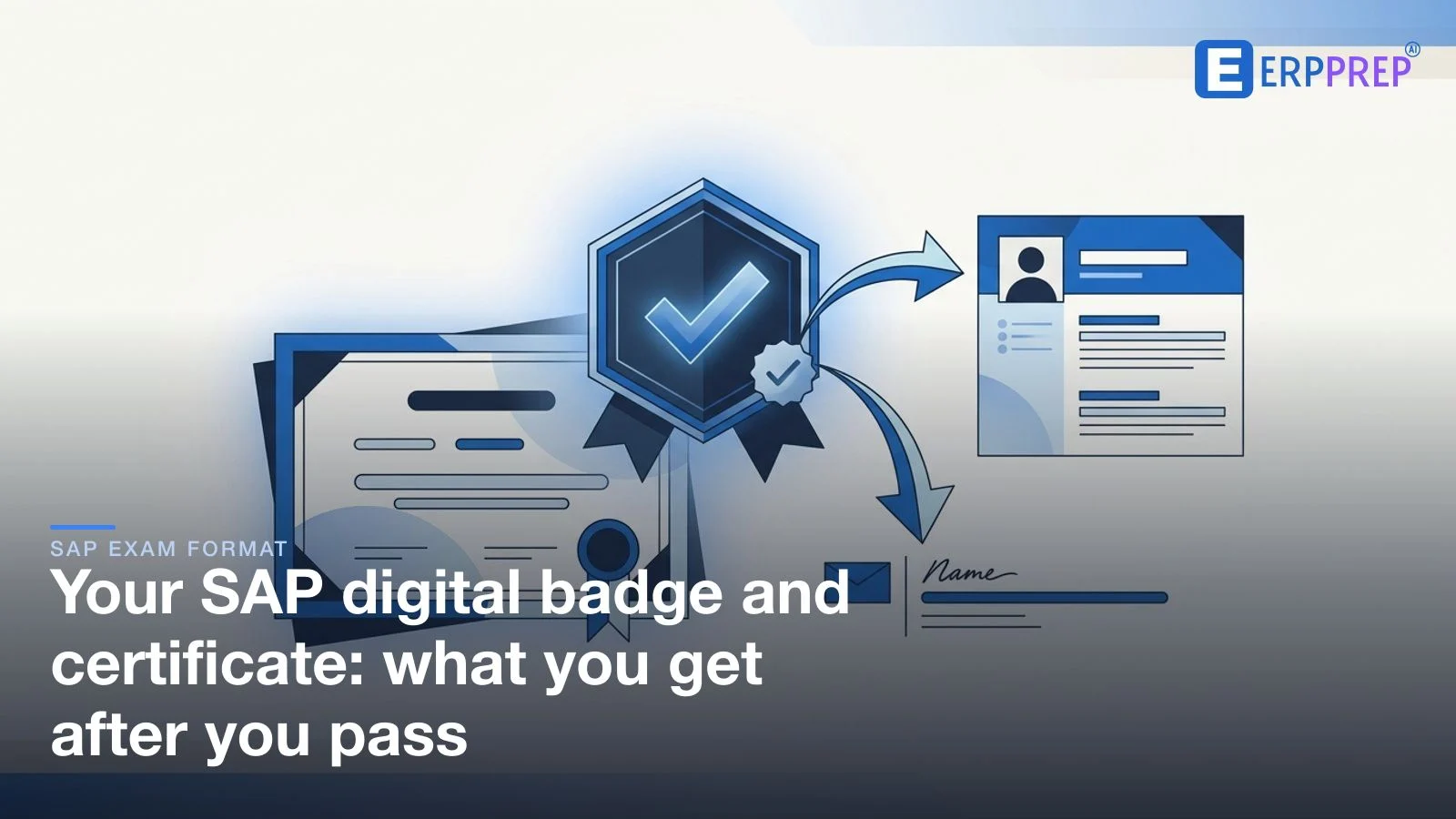
Passing an SAP exam earns you two things: a verifiable digital badge issued through SAP's badging platform, and a certificate record in your SAP certification profile. You claim the badge from an email invitation, then share it on LinkedIn, in your email signature, or on a resume via a public verification link. Anyone can confirm it from that link — no login needed. Check the current claim steps on learning.sap.com.
You passed. After weeks of preparation and a performance-based exam against the clock, the result lands — and then a practical question takes over: what do you actually get, and how do you turn it into something a recruiter, a manager, or a client can see and trust? The good news is that a modern SAP® credential is built to be shared. This guide walks through exactly what you receive, how to claim it, how to put it in front of the right people, and how anyone can verify it is real. It sits under the performance-based exam format guide and stays deliberately general — the exact steps are set by SAP and can change, so we point you to the official process for specifics.
Key takeaways
- You receive two things: a shareable, verifiable digital badge and a certificate record in your SAP certification profile — the badge is the link-friendly form of the same credential.
- The badge is claimed, usually from an email invitation that takes you to the badging platform where you accept and store it.
- Share it where it counts — LinkedIn, your email signature, and your resume — always with the public verification link, not a screenshot.
- Verification is one click: every badge has a public page an employer can open to confirm it is genuine, with no login and nothing required from you.
- The badge's standing follows the certification's validity — we cover expiry and maintenance in a dedicated guide rather than repeating it here.
What you receive after passing
It helps to separate two ideas that people often blur together: the record that you passed, and the shareable proof you can hand to others. Passing gives you both.
- A certificate record. The formal proof that you passed lives in your SAP certification profile. This is the authoritative record — the equivalent of the certificate itself — and it is where the achievement is logged against your name.
- A verifiable digital badge. Alongside the record, SAP issues a digital badge through a badging platform. Unlike a plain image, a digital badge carries data behind it: what you earned, who issued it, and a public page anyone can use to confirm it. This is the piece designed to travel — into LinkedIn, an email signature, or a CV.
Think of the badge as the credential in its portable form and the profile as its home. The two point at the same achievement; the badge just makes it easy to show. That shift — from a static certificate to a live, checkable badge — is what makes a modern credential genuinely useful in a job search, because it can be verified at its source rather than taken on trust. If you want the wider picture of what a pass unlocks beyond the badge, the what to do after passing your SAP certification guide covers the next moves.
How to claim your badge
A digital badge is usually claimed rather than simply handed over — a small step that puts you in control of it. In the common flow, once your result is finalised you receive an invitation, typically by email, that links you to the badging platform. There you accept the badge and it is stored in your account, from which you decide how it is displayed and shared. Setting up or signing in to that account is a one-time task; after it, every future badge lands in the same place.
Two habits make this painless. First, watch for the claim email after you pass, and check spam if it seems slow to arrive — the link inside is your route to the badge. Second, follow the current instructions rather than a remembered process. Platforms and steps are updated over time, so the reliable source is the guidance on SAP's learning site (SAP, learning.sap.com) and the claim email itself. We deliberately avoid naming a specific platform or claim window here, because those are exactly the details that change — and an out-of-date instruction is worse than none.
How to share it: LinkedIn, signature, and resume
Once claimed, the badge is only as valuable as the people who see it. Three places give you the most return for the least effort.
- LinkedIn. This is where a credential does the most work, because recruiters search it. The cleanest route is from the badging platform, which commonly offers a direct action to add the badge to your profile — populating the Licenses & Certifications section with the credential name, the issuer, and the public verification link. You can also add it manually; if you do, paste the verification URL so viewers can confirm it in one click. A short line in your headline or About section referencing the certification helps it surface in searches.
- Email signature. A single, restrained line — the credential name linked to its verification page — signals it quietly on every message you send. Keep it text-based and link it to the public verification URL rather than pasting an image, so it stays checkable and never breaks.
- Resume and portfolio. List the certification in your credentials section with the issuer and, where the format allows, the verification link. On a printed CV you cannot click a link, so a clean wording of the credential name plus "verifiable online" is enough; the badge does the proving when someone follows up.
A consistent rule ties all three together: share the verification link, not a screenshot. A screenshot proves nothing — it can be edited — whereas a link to the live badge lets anyone confirm the real thing. Presenting the credential the same way everywhere also makes you easy to find and easy to trust.
Not there yet? The surest path to the badge is a pass, and the surest path to a pass is rehearsing the performance-based format before exam day. Try a free sample.
How verification works for employers
The reason a digital badge beats every previous form of proof is verification. Every badge has a public verification pagethat displays the credential, names the issuer, and shows that it is valid. An employer, recruiter, or client simply opens the link you shared — no login, no account, and nothing required from you. The check happens against the source in real time, which is why a live badge is trusted where a static certificate image is not.
For you, that means the work is done once: claim the badge, share the link, and the verification takes care of itself whenever someone follows up. For the person checking, it removes doubt without an awkward request — they never have to email you asking "is this real?" When you apply for a role, expect the credential to be confirmed this way; making the verification link easy to find on your LinkedIn profile and CV simply removes friction from a step the employer was going to take anyway.
How the badge ties to certification validity
A badge is not a separate thing with its own lifespan — it reflects the certification behind it. So its standing follows that certification's validity rules. Some SAP certifications carry a validity period or a maintenance expectation, and where those apply, the status shown on the credential can change over time; others behave differently. The point is that the badge mirrors whatever the underlying certification does, rather than expiring on a clock of its own.
Because those rules are set per certification and are easy to misremember, we keep the detail in one place rather than repeating it here. If validity, renewal, or maintenance is on your mind, read whether SAP certifications expire for how that works and what, if anything, you need to do to keep a credential current. Treat that guide as the source for validity and this one as the source for the badge and certificate themselves.
Where to confirm the current process
Everything above describes the shape of the process, not a fixed script — and that distinction matters. Badging platforms, claim steps, and the exact contents of your certification profile are maintained by SAP and updated periodically. Two sources stay current when a general article cannot:
- learning.sap.com — the official learning site, where the certification process, claiming, and sharing are documented for each exam.
- Your SAP certification profile and claim email — the record of what you passed and the direct link to claim and manage your badge.
Use those to confirm anything specific — the current platform, the exact claim steps, and precisely what your certificate record shows. We have deliberately avoided quoting platform names or time windows that can change, so that this guide stays accurate as an orientation even as the details evolve.
Turning a pass into visible credibility
A certification only helps a career once people can see it and trust it. The modern SAP credential is built for exactly that: a certificate record that logs your achievement, and a verifiable badge that carries it out into the world. Claim the badge promptly, put it where recruiters look — LinkedIn, your signature, your CV — and always lead with the verification link so the proof checks itself. Do that, and the day you passed keeps paying off long after the exam is over.
Of course, all of this starts with the pass. If you are still working toward it, the performance-based exam preparation guide covers how to rehearse SyBA tasks and SBA scenarios so the exam holds no surprises. The badge and the certificate are the reward at the end of that work — and the moment you can start sharing it. When you are ready to feel the format for yourself, try a free sample.
Frequently asked questions
- What do I get after passing an SAP certification exam?
- You receive two connected things. First, a verifiable digital badge issued through SAP's badging platform — a shareable credential with a public verification page. Second, a certificate record that appears in your SAP certification profile as the formal proof you passed. The badge is the modern, link-shareable form of the credential; the profile is the lasting record. Exact wording and timing can vary, so confirm the current process on your exam's official page.
- What is an SAP digital badge?
- A digital badge is a verifiable online credential that represents your certification. Rather than a static image, it carries data behind it — what you earned, who issued it, and a link anyone can use to confirm it is genuine. SAP issues these through a badging platform, so your achievement can travel with you across LinkedIn, email, and the web while staying tamper-evident and checkable at its source.
- How do I claim my SAP digital badge?
- After you pass, you are typically invited to claim the badge — usually by an email that links to the badging platform where you accept and store it in your account. From there you control how it is displayed and shared. Because the exact steps and any account setup can change, follow the instructions in your claim email and the guidance on learning.sap.com rather than assuming a fixed sequence.
- How do I share my SAP certification on LinkedIn?
- The cleanest way is from the badging platform: most badge platforms offer a direct 'add to LinkedIn' action that populates the Licenses & Certifications section with the credential name, issuer, and the public verification link. You can also add it manually and paste the verification URL. Either way, include the verification link so viewers can confirm it in one click rather than taking the entry on trust.
- Can employers verify my SAP certification?
- Yes. Every digital badge has a public verification page that shows the credential, the issuer, and that it is valid — no login and no request to you required. An employer or recruiter simply opens the verification link you share. This is the main advantage of the badge over a screenshot: a screenshot can be faked, but a live verification page checks the credential against its source in real time.
- Is there a paper certificate as well as the badge?
- The certificate today is primarily a digital record held in your SAP certification profile, which serves as the formal proof you passed. The verifiable badge is the shareable, link-based form of that same credential. Whether any printable or downloadable certificate document is offered, and in what format, is set by SAP and can change — check what your exam's page and your profile currently provide.
- Does the SAP digital badge expire?
- The badge reflects your certification, so its standing follows the certification's validity rather than being a separate clock. Some SAP certifications carry a validity period or a maintenance requirement, and where that applies the credential's status can change over time. We keep the details in a dedicated guide — see whether SAP certifications expire — rather than repeating them here, because the rules are set per certification.
- Where do I confirm the current SAP badge and certificate process?
- Start from learning.sap.com and your SAP certification profile. The claim email you receive after passing links to the badging platform, and the official pages explain how claiming, sharing, and verification currently work. Because platforms and steps are updated over time, treat those sources as authoritative and this article as an orientation — we deliberately avoid quoting specific platform names or claim windows that can change.
ERPPrep is an independent platform and is not affiliated with, endorsed by, or sponsored by SAP SE. SAP and other SAP products are trademarks of SAP SE, referenced here only to describe the certification exams ERPPrep helps you prepare for.
Ready to practise the way the exam tests?
ERPPrep provides original, performance-style scenarios and skill drills built for the 2026 SyBA and SBA formats. Try a free sample and judge the quality yourself.
Related guides
How to add your SAP certification to LinkedIn & your CV
Passed an SAP certification? Add your digital badge to LinkedIn's Licenses & certifications section, word it right on your CV, and keep it honest.
Why SAP exam tasks fail: order and dependencies
In a performance-based SAP exam a task often fails on a missing prerequisite, not a missing step. How to read dependency chains and sequence your work.
What a System-Based SAP exam asks you to do
How an SAP System-Based Assessment task really works: what you are handed, where you go in the system, what you carry out, and what proves the outcome.